The days of shuffling paper folders and driving to an accountant’s office are officially behind us. The Canada Revenue Agency (CRA) has fully embraced the digital age, and remote filing has become the standard for Canadian taxpayers who value convenience and security. Whether you are living in a different country than your business or simply prefer the ease of digital communication, you can complete your entire tax filing process from your living room.
With updates to the CRA’s digital services, including enhanced verification for auto-fill my return data, the remote process is more secure than ever. You don’t need complicated software or spreadsheets. You just need a straightforward system to handle your data. Here is how our streamlined remote tax filing process works.
CRA Updates: What’s New for Remote Filers
- The 14% Tax Bracket: The “middle-class tax cut” is now fully in effect for 2026, with the lowest bracket dropping to 14%. Your remote filer should ensure this is reflected in your tax software.
- T183 Digital Compliance: The CRA has updated Form T183 (the authorization to file on your behalf). E-signatures are fully accepted, but your tax preparer must verify your identity through a secure, encrypted process.
- Automatic Filing Expansion: The CRA’s SimpleFile Digital service has expanded. If you received an invitation, you may be able to file even faster, though most taxpayers still prefer the expert eye of a professional for complex deductions.
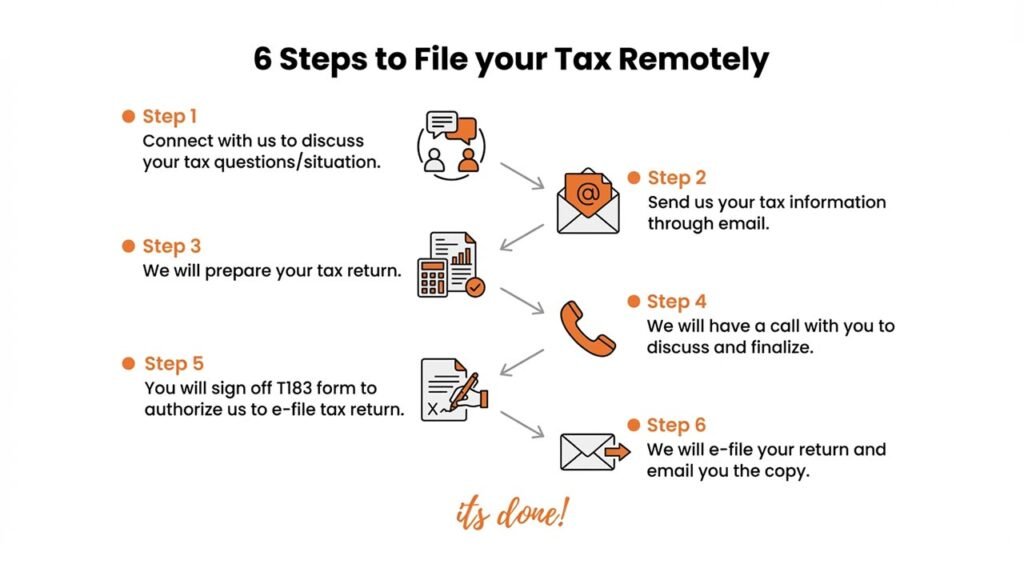
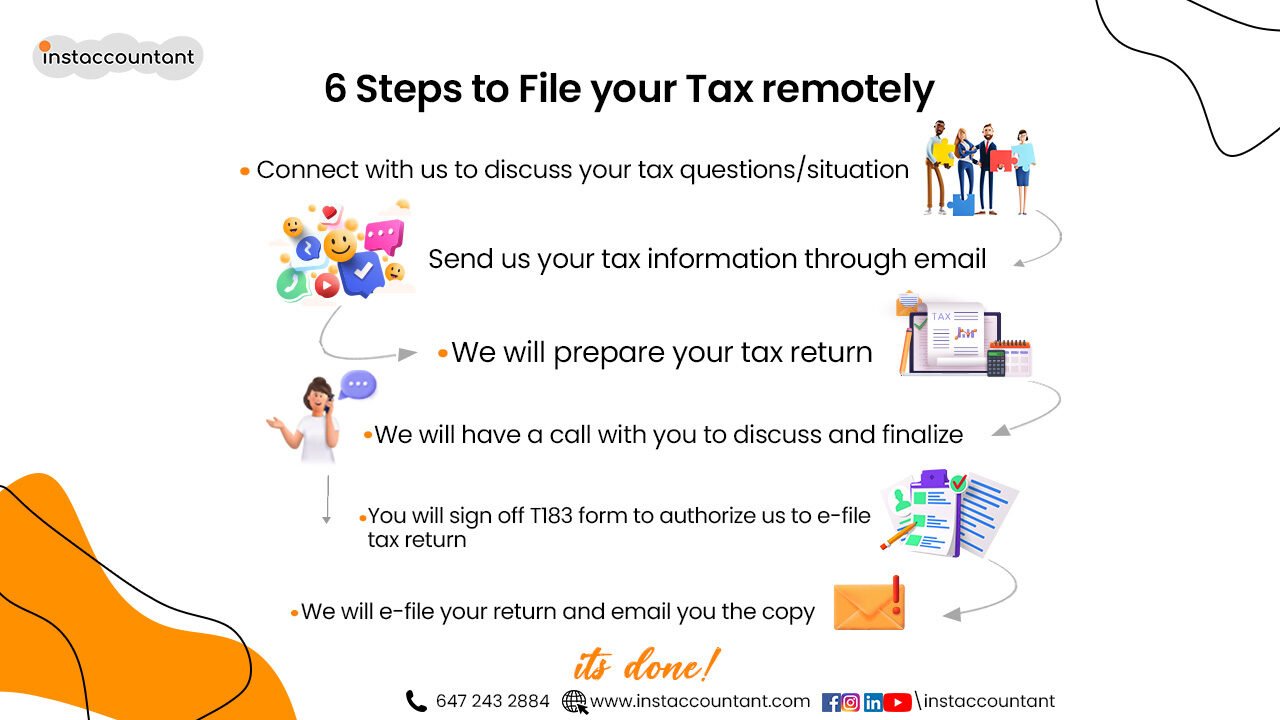
6 Steps to File Your Tax Return Remotely
1. Virtual Strategy Call
Everything starts with a quick phone or video consultation. We’ll discuss your current tax situation whether you have employment income (T4), investments (T5) or self-employment earnings. This ensures no tax credits or deductions are left on the table.
2. Secure Information Transfer
Instead of a shoebox of receipts, you will send your documents digitally. We recommend using encrypted email or a secure cloud portal.
- Checklist: T4s, RRSP contribution slips, tuition receipts (T2202) and medical expenses.
- Pro Tip: Simply snap a clear photo of your physical receipts with your phone, the CRA officially accepts digital copies as “records”.
3. Expert Tax Preparation
Once we have your files, we prepare your return. If your situation involves remote work expenses or rental property income, we’ll dig deeper into your eligible deductions to maximize your refund.
4. Finalization & Review
Before anything is submitted, we schedule a brief call to walk you through the numbers. We’ll explain your “Balance Owing” or “Refund” amount and answer any questions about your Notice of Assessment (NOA).
5. Electronic Sign-Off (T183)
This is the most critical step. We will email you the Form T183. You can sign this digitally using your mouse, finger, or a stylus on your smartphone. Under the latest CRA rules, this digital signature is just as legally binding as a pen-and-paper one.
6. Digital E-Filing
Once you send back the signed T183, we transmit your return directly to the CRA via EFILE. You’ll receive a confirmation email with a copy of the submitted return for your records.